Need a hand?
Tell us your phone model, its software version and what happened, and we will get back to you, usually within two working days.
Or write to support@devpulse.co.uk.
How do I play?
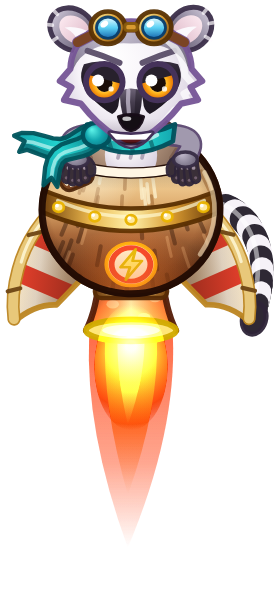
Hold anywhere on the screen to fire the thrusters and fly up, and slide your thumb to steer. Let go and you drop. Weave past the traps in the level and grab coins on the way. Slow down too much and the poison rising below swallows you.
Can I change the controls?
Yes. Tap the gear on the home screen and pick one of three.
- One thumb. Hold anywhere to fly, slide to steer.
- Two thumbs. Your left thumb steers and your right thumb boosts.
- Tilt. Tilt your phone to steer, and hold anywhere to fly.
When does the daily level change?
At midnight, your local time. Everyone plays the same level on the same date, so scores are easy to compare, and you can retry it as often as you like. Random runs give you a fresh level instead, whenever you want one.
How does the daily streak work?
Your first daily level run each day pays streak coins. Day one pays 20, and every day in a row pays 10 more, up to 100. Miss a day and the streak starts again from day one.
How do missions work?
You always have three missions, such as grabbing a number of coins or climbing a set height. Each one has to be done in a single run, and each pays coins when you finish it. Tap Missions on the home screen to see them.
What are coins for?
Coins are the money of the game. You earn them in every run, from missions and from your streak. Spend them in the shop on new characters and new rockets, then mix and match them to build your favourite pilot. Nothing is ever sold for real money.
Sound, music and vibration
Each has its own switch in Settings, and music and sound effects each have their own volume. Tap the gear on the home screen.
Will I lose my progress?
Your progress is kept on your phone, so it stays put between updates. Deleting the app deletes it too, unless you restore it from a backup of your phone.
Something is not right
- Make sure you have the latest version from the App Store.
- Close Coconut Rocket from the app switcher and open it again.
- Still stuck? Email us and we will help.
Privacy
There is no account to create, and your progress stays on your phone. The privacy policy has the details, including the choices you have about ads.